


Connect your favorite AI to your bank in minutes.
Your financial data made simple and reliable, backed by over 20 years of cybersecurity experience.

Connect bank accounts from 12,000+ banks and financial institutions across the US, Canada and the UK


Choose your AI. Connect to your data. Get started.
Compatible with leading AIs and autonomous agents.


Balances, spending, statements and investments. All in a single prompt.
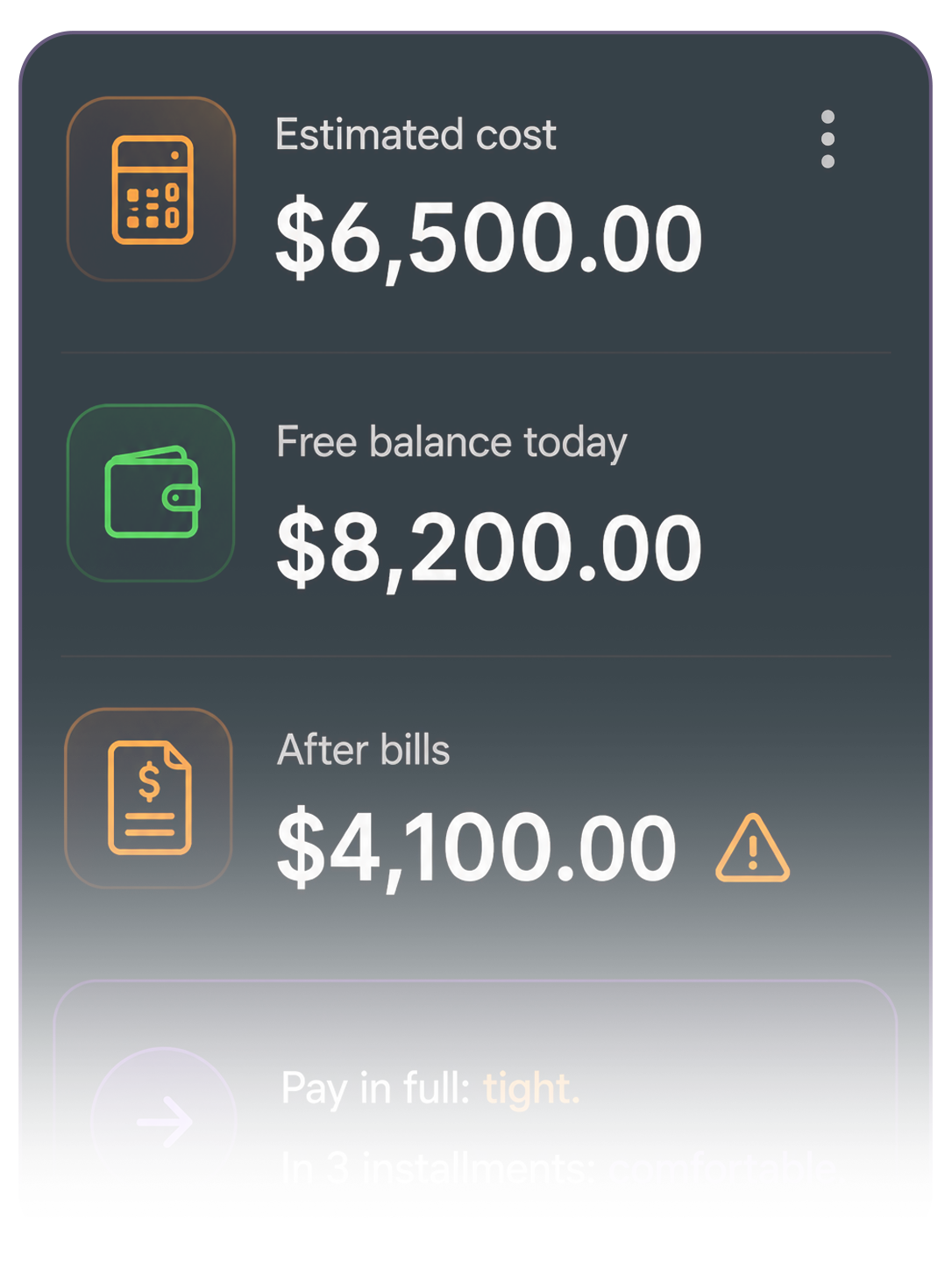
Turn financial questions into instant answers. Your favorite AI queries your connected data and delivers your numbers clearly, no spreadsheets, no exports, no waiting.
A smart view of everything that's yours.
Chase, Bank of America, Fidelity, Robinhood: the AI sees everything as a single consolidated financial position. You ask once. It answers with what matters.
Bank accounts
Checking and savings accounts, with balances and transactions always up to date.
Cards
Credit and debit cards, with detailed statements and spending.
Investments
Stocks and ETFs, mutual funds, bonds, CDs, Treasuries, 401(k), IRA and brokerages (Fidelity, Schwab and others).
How your AI sees your data.


Connected in 4 steps. Just like that.
Connect your bank once. Your AI handles the rest.
01. Create your account
Your name, email and password. Takes 90 seconds.
02. Connect your banks
You authorize directly in your bank's portal. UPX never sees your credentials.
03. Link your favorite AI
Claude, ChatGPT, Cursor and more. Add the UPX connector in your AI client, with mandatory MFA. Done.
04. Ask in plain English
No commands, no BI, no spreadsheets. Type what you need to know. Your AI answers with your real numbers.
Read-only. Not a promise, it's architecture.
Financial MCP doesn't store your credentials. Authorization happens in your bank's environment, and access is read-only.
Credentials never reach UPX
Bank authentication happens directly in your bank's portal. Financial MCP operates only with revocable, read-only access tokens.
365-day audit trail
Everything is logged: AI queries, date, time, scope accessed and MCP client, with CSV export for internal or external audits.
GLBA, CCPA, GDPR, PSD2
Multi-standard compliance. Request data deletion at any time, irreversibly, with identity confirmation and a deletion log.
Mandatory MFA per scope
Access to financial data requires two-factor verification on every new MCP client authorization. No exceptions.
Instant revocation
Disconnect any bank or MCP client with one click. Revocation propagates immediately, no queues, no delay.
Access limited to what you authorized
The AI only queries the data you allow. Sensitive information is protected to reduce unnecessary exposure.
20 years protecting critical operations.
UPX specializes in cybersecurity engineering for mission-critical environments. Financial MCP is part of the Secure MCP portfolio, built on the same infrastructure that protects financial institutions, fintechs and data centers.
With over 20 years of experience, UPX combines security architecture, threat intelligence, behavioral detection and incident response to protect mission-critical operations and digital platforms.
More than technology, UPX delivers operational defense capability and continuous governance for organizations that can't afford to get it wrong.
Customers who trust UPX
Leading financial institutions that rely on UPX's security infrastructure to protect their operations.
Security portfolio
Financial MCP is part of UPX's Secure MCP portfolio, built on the same foundation of MSS, 24/7 AI-Driven SOC, threat intelligence and GRC that protects companies in regulated sectors across the US and beyond.
Financial AI ready for you.
Your financial life connected to intelligence. No lock-in. Cancel in 1 click.
Free
$0
- ✓1 financial institution included
- ✓20 questions total
- ✓No credit card required
Solo
$9/month
- ✓1 financial institution included
- ✓Unlimited questions
Plus
$19/month
- ✓3 financial institutions included
- ✓Unlimited questions
Pro
$39/month
- ✓5 financial institutions included
- ✓Unlimited questions
* +$9.90 per additional account
Have a business and need to connect company accounts too? Click here
